

Method 1: Email Login
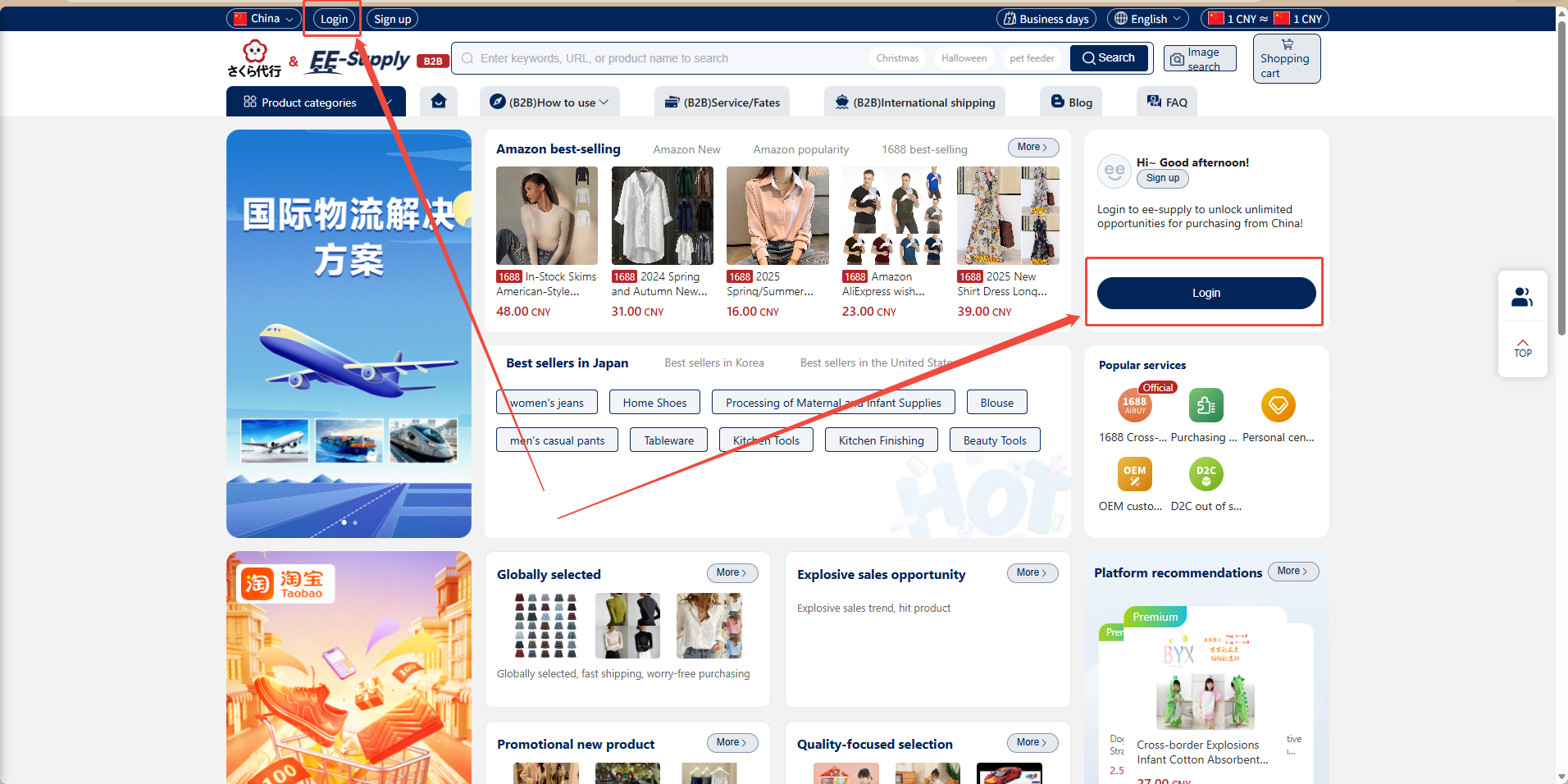
1、 Open your browser and enter the official ee-supply website address: https://ee-supply.com/.
2、 On the ee-supply homepage, click the "Login" button in the top-left corner to open the login pop-up window.
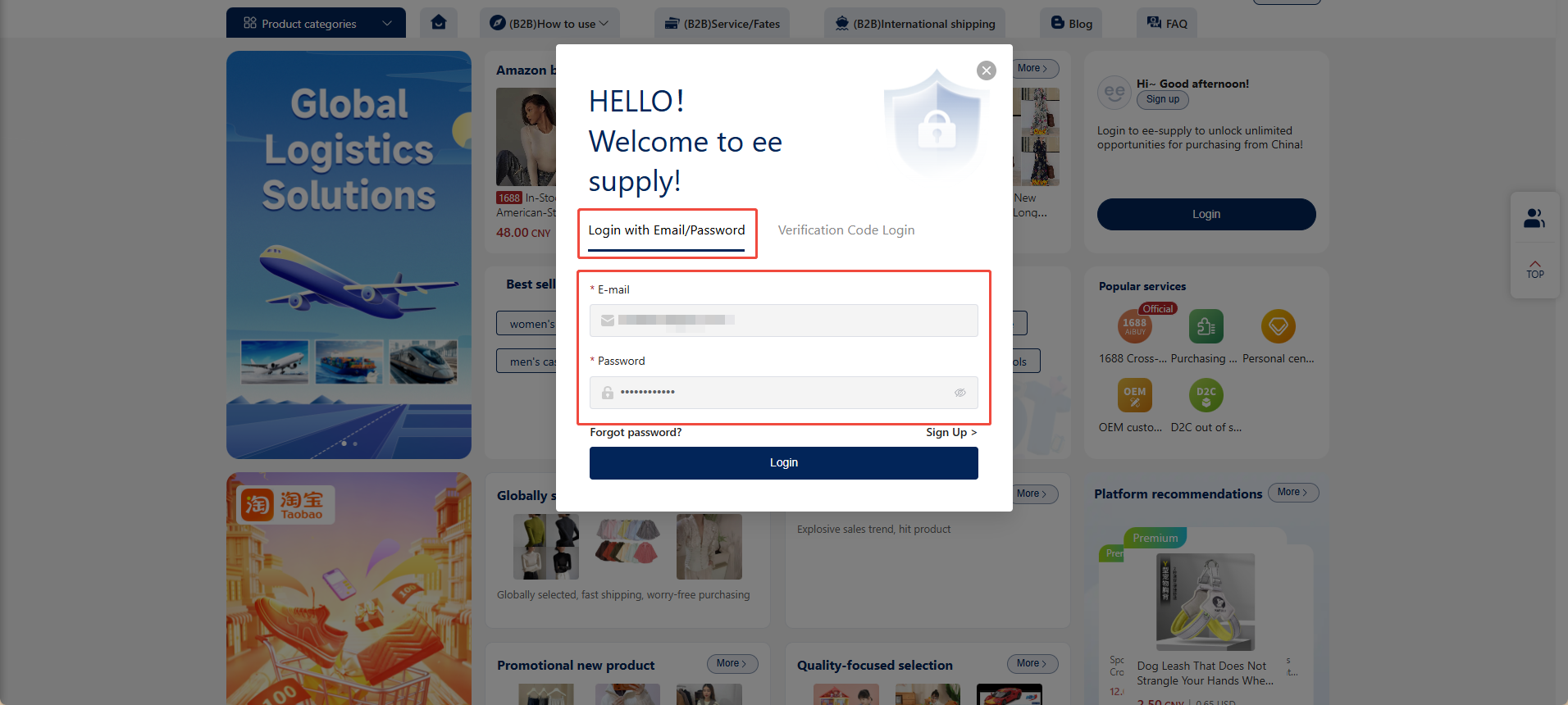
3、 Under "Email Login", enter your valid email address and password, then click "Login".
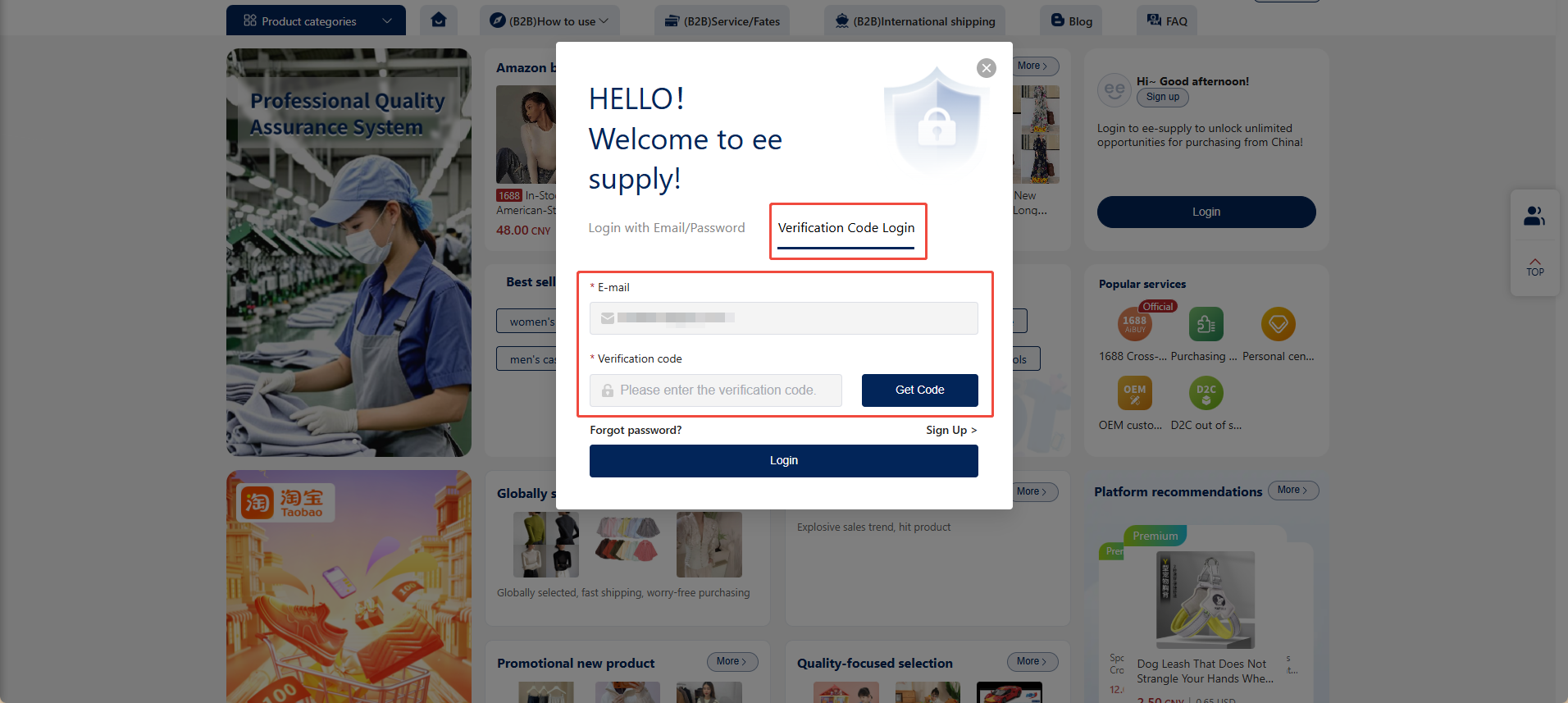
Method 2: Verification Code Login
Switch to the verification code login option. Enter your email address, obtain and enter the corresponding verification code, then click "Login" to access the website.